Run the booth. Keep the evening.
Instabooth turns a Windows PC or any browser into a photobooth that takes payment, prints on real paper and hands guests their photos by QR. You set it up once in the studio; the booth does the rest.
Launching soon. Early access for operators who want to shape it.
A booth on the hardware you have
The Windows app drives a DSLR through a capture card or any webcam and prints silently to a dye-sub printer. The web booth runs on a tablet or laptop with nothing to install.
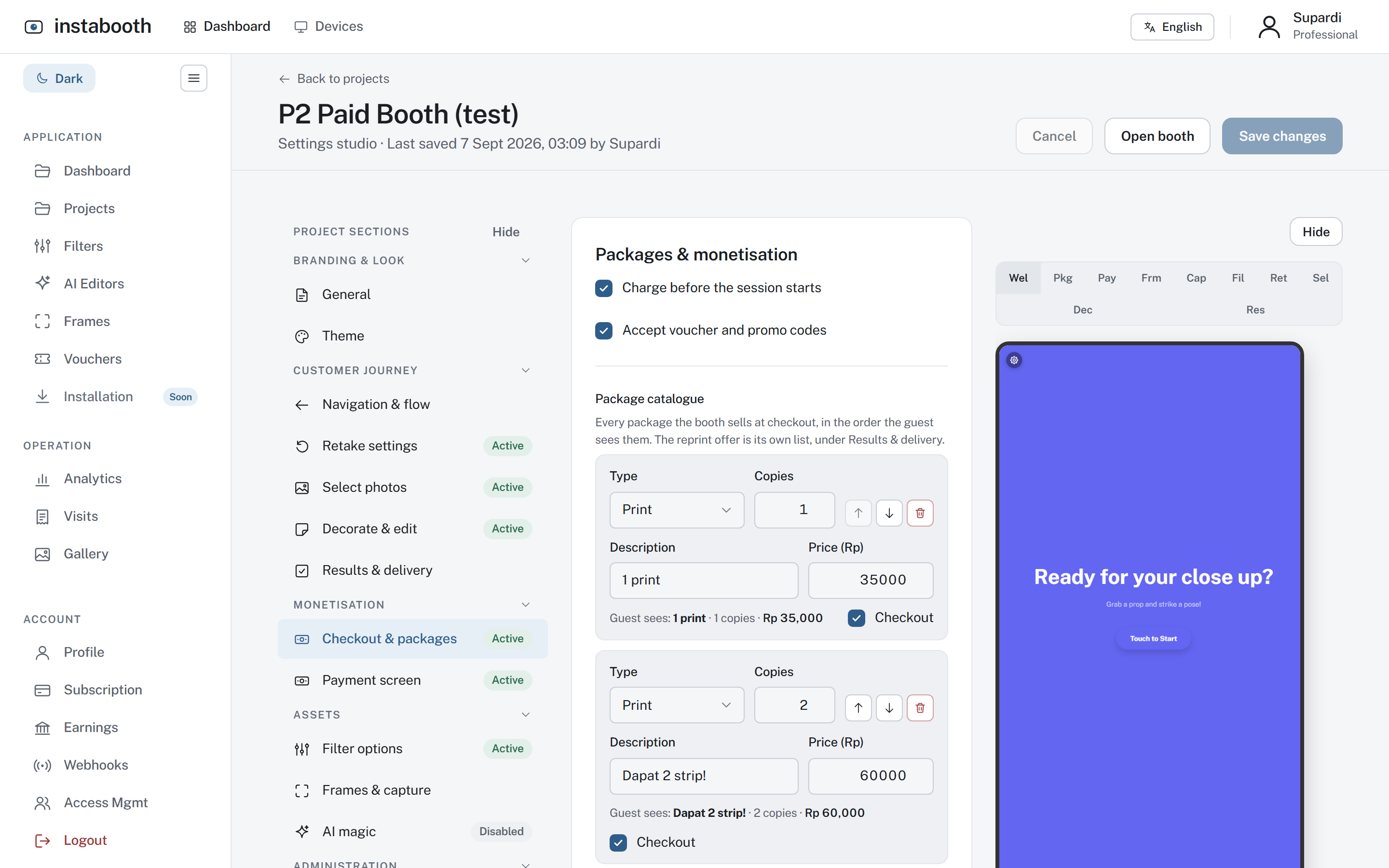
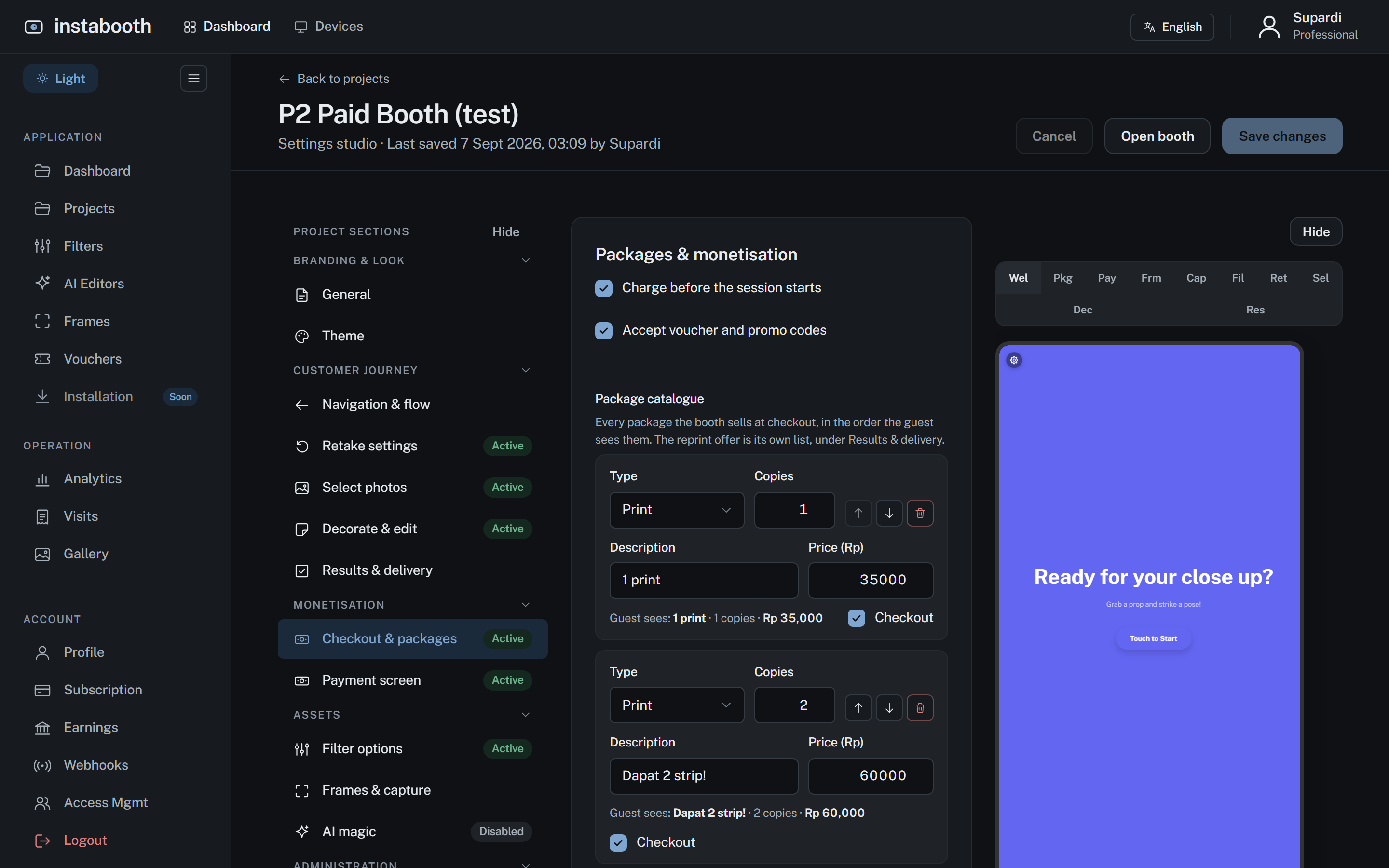
Guests pay at the booth
A price list you set, QRIS with a countdown, cash or a voucher code. Every rupiah is recorded per visit, and the platform holds nothing it does not owe you.
Prints drawn for paper
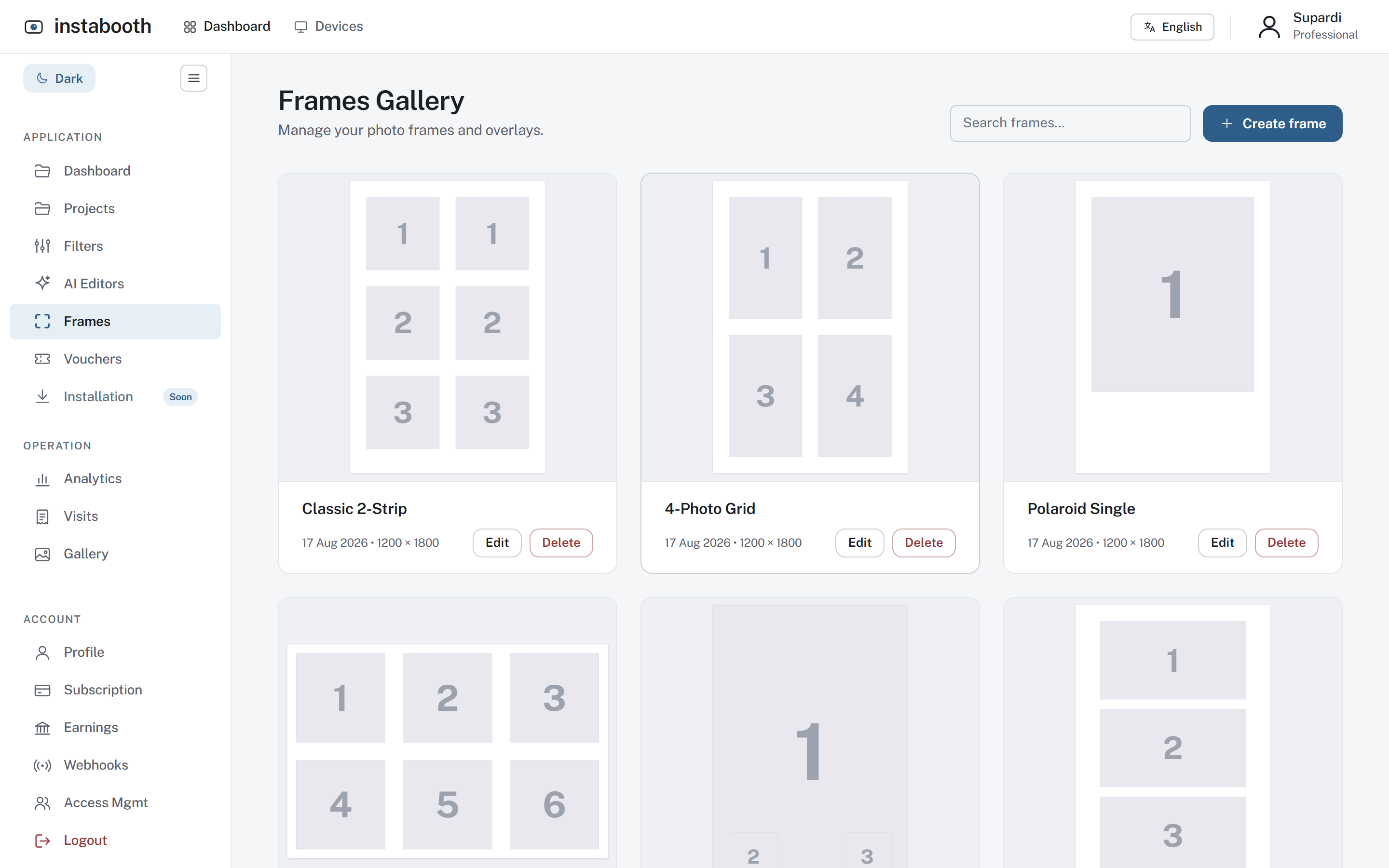
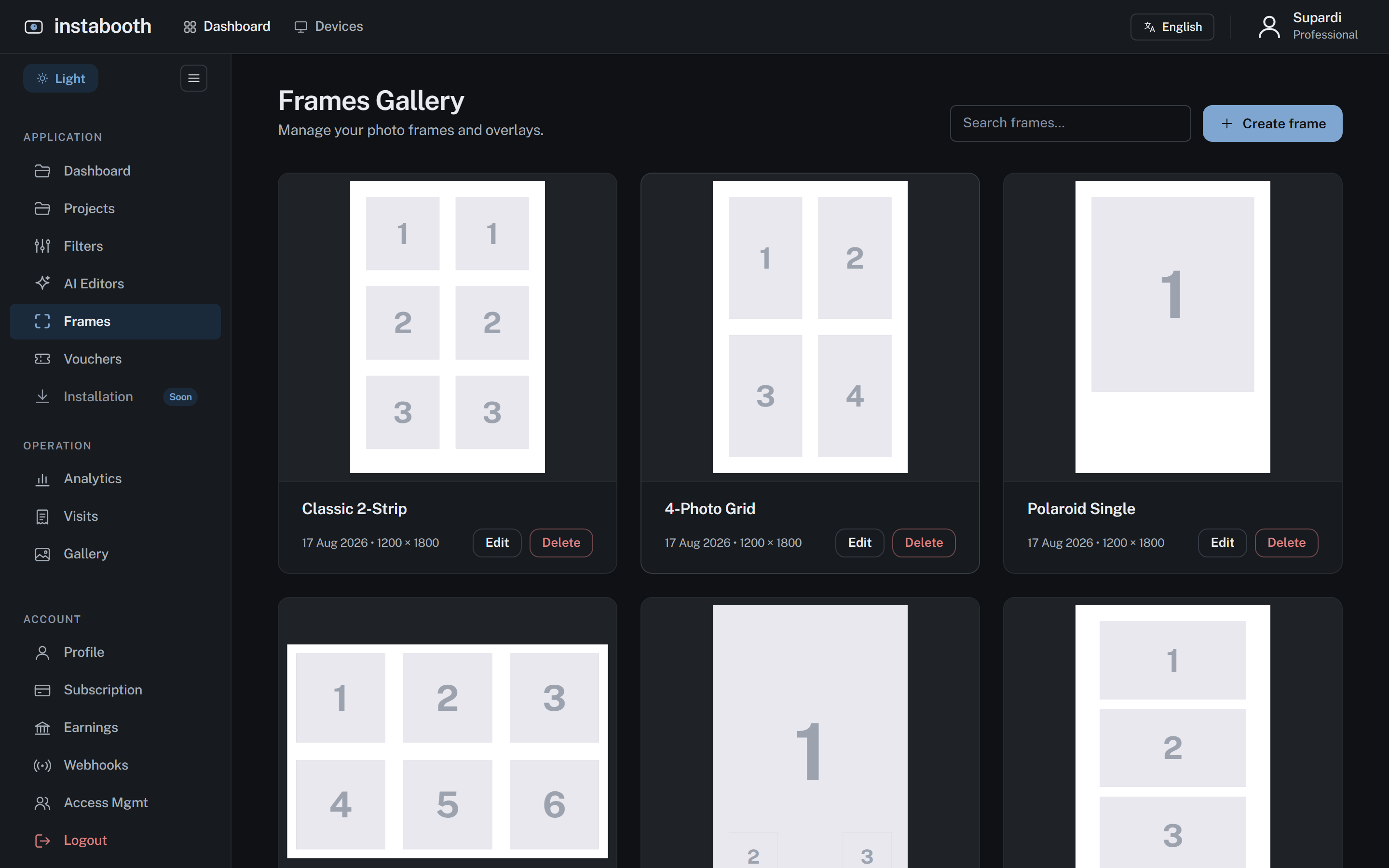
Frames sized for 4R and 2×6 at 300 dpi, so a strip comes out a strip. Guests also get a QR to their photos, GIF and video the moment the print is done.
What a guest sees
The whole visit on the booth, in the project’s own colours. These are the real screens, not drawings.
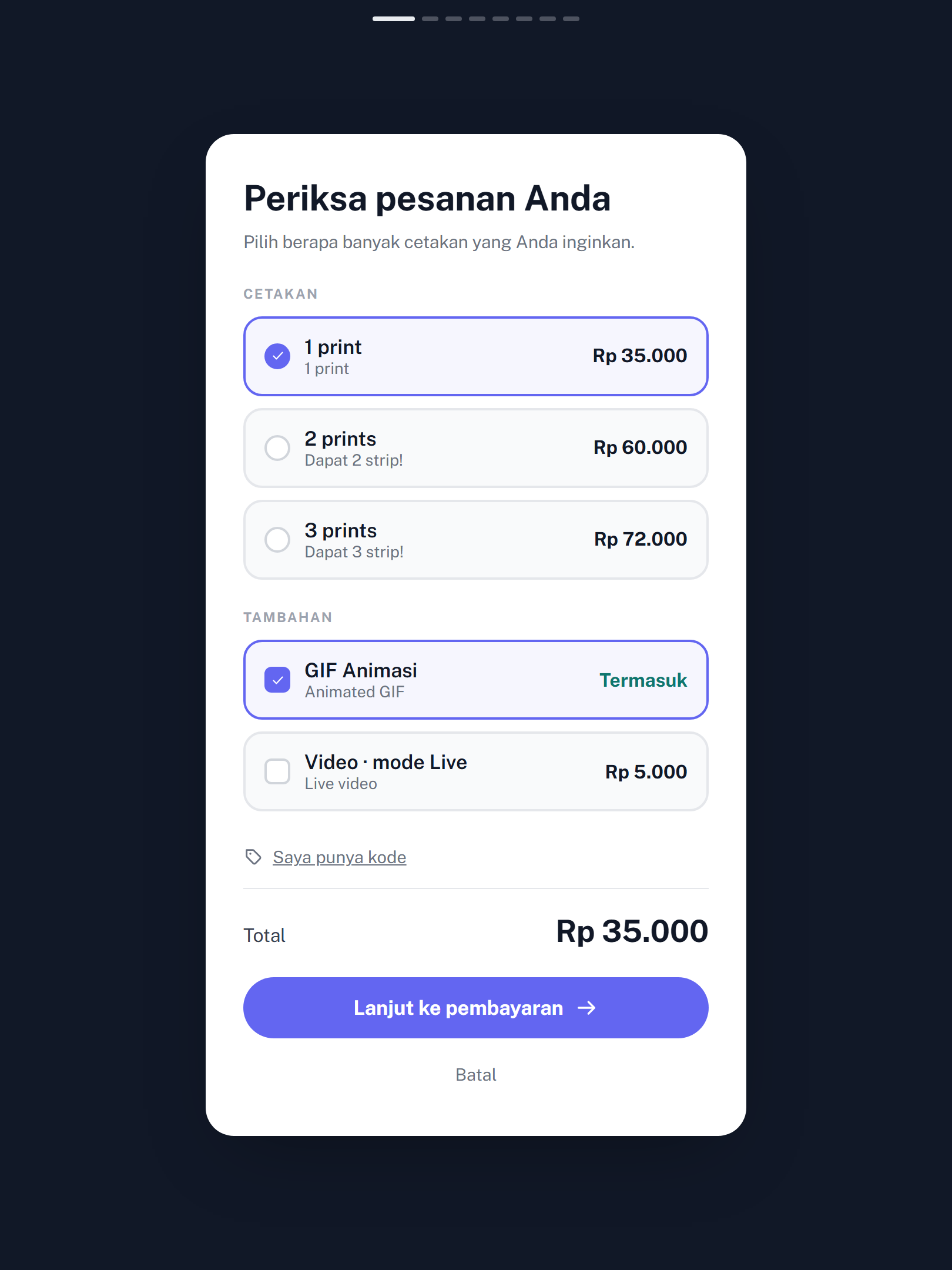
Choose
A price list you set. Prints, a GIF, a video; a code if they have one.
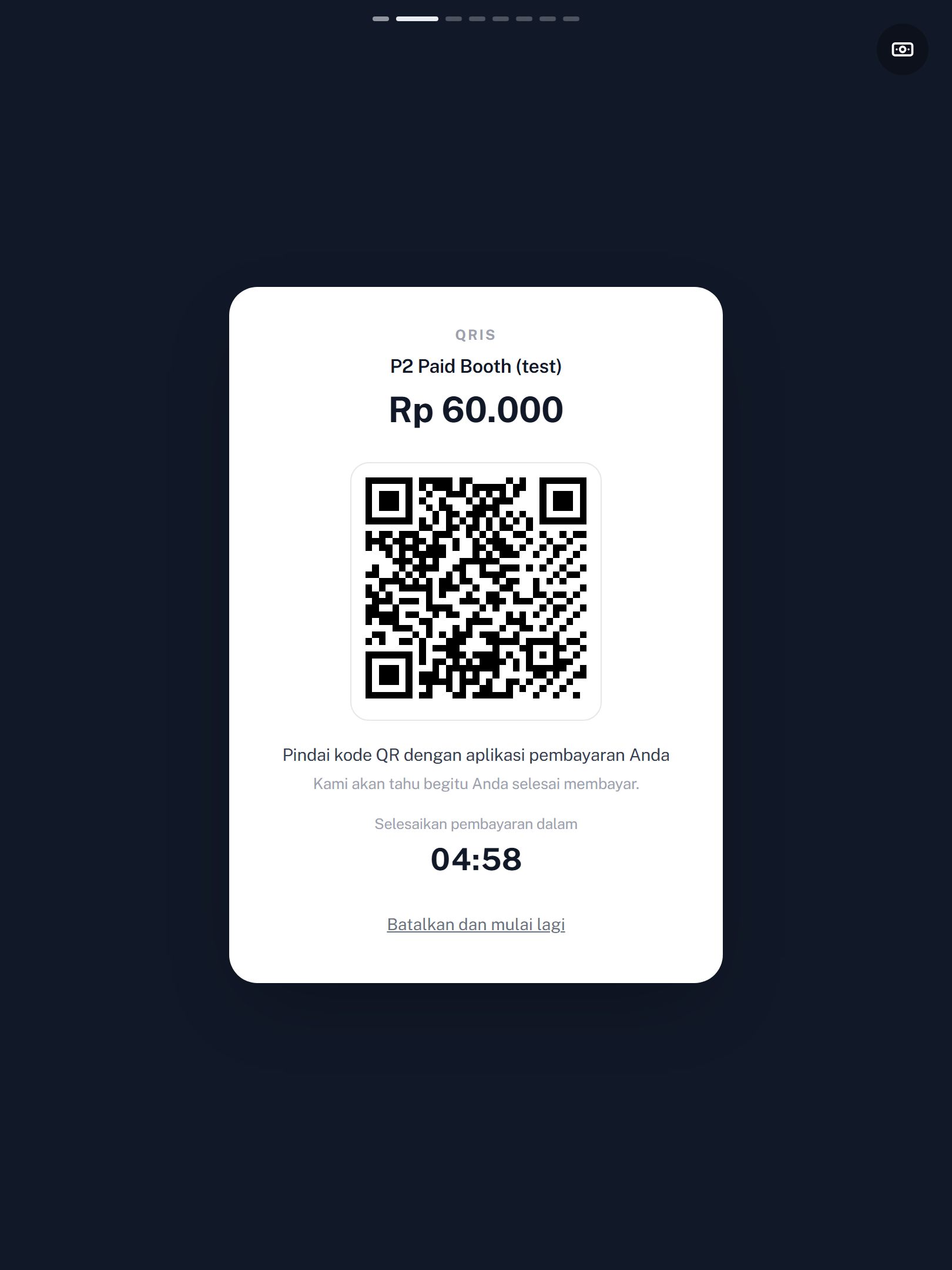
Pay
QRIS with a countdown. The booth notices the moment it is paid.
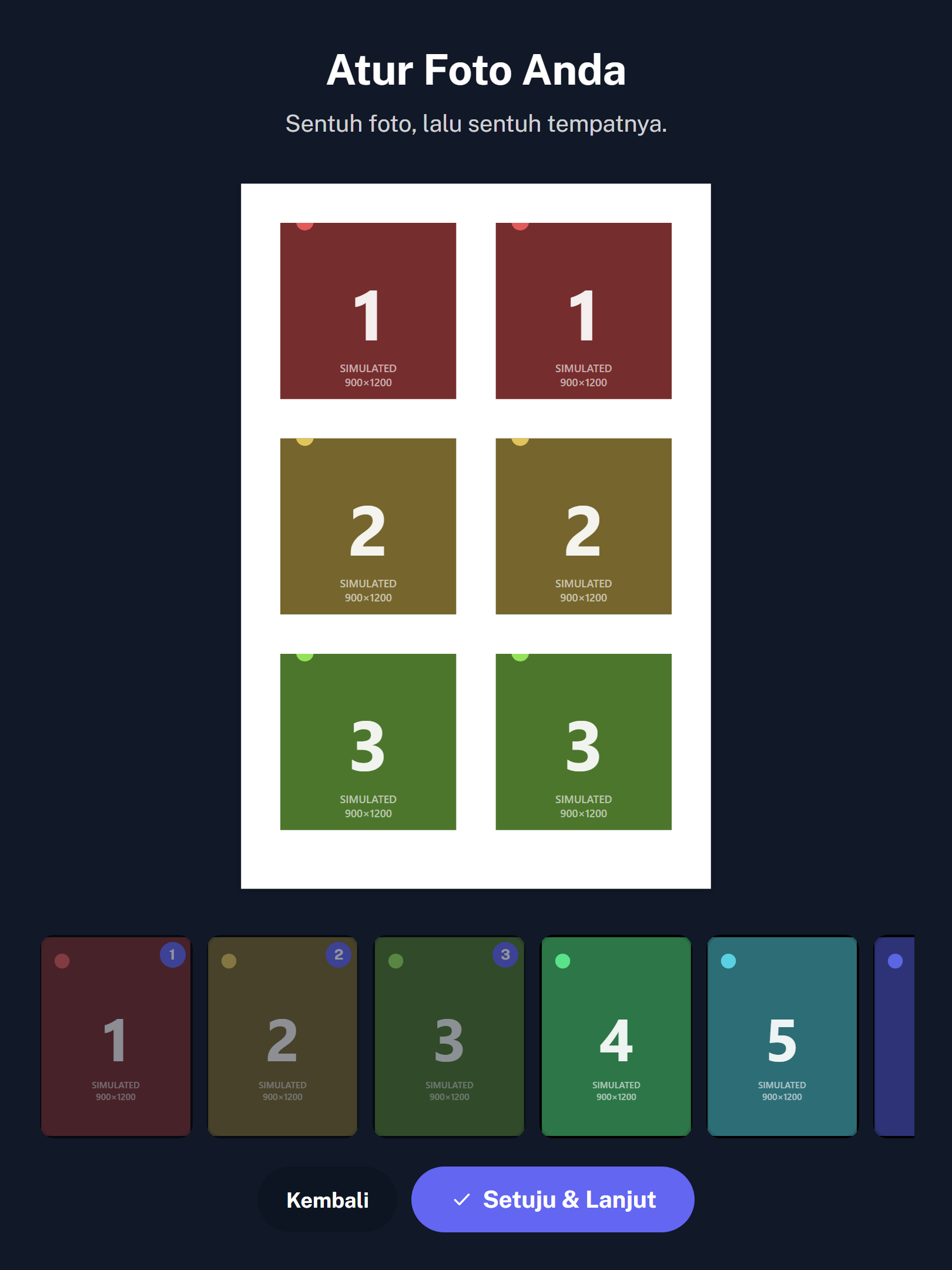
Arrange
Touch a photo, touch its place. The strip is what will print.
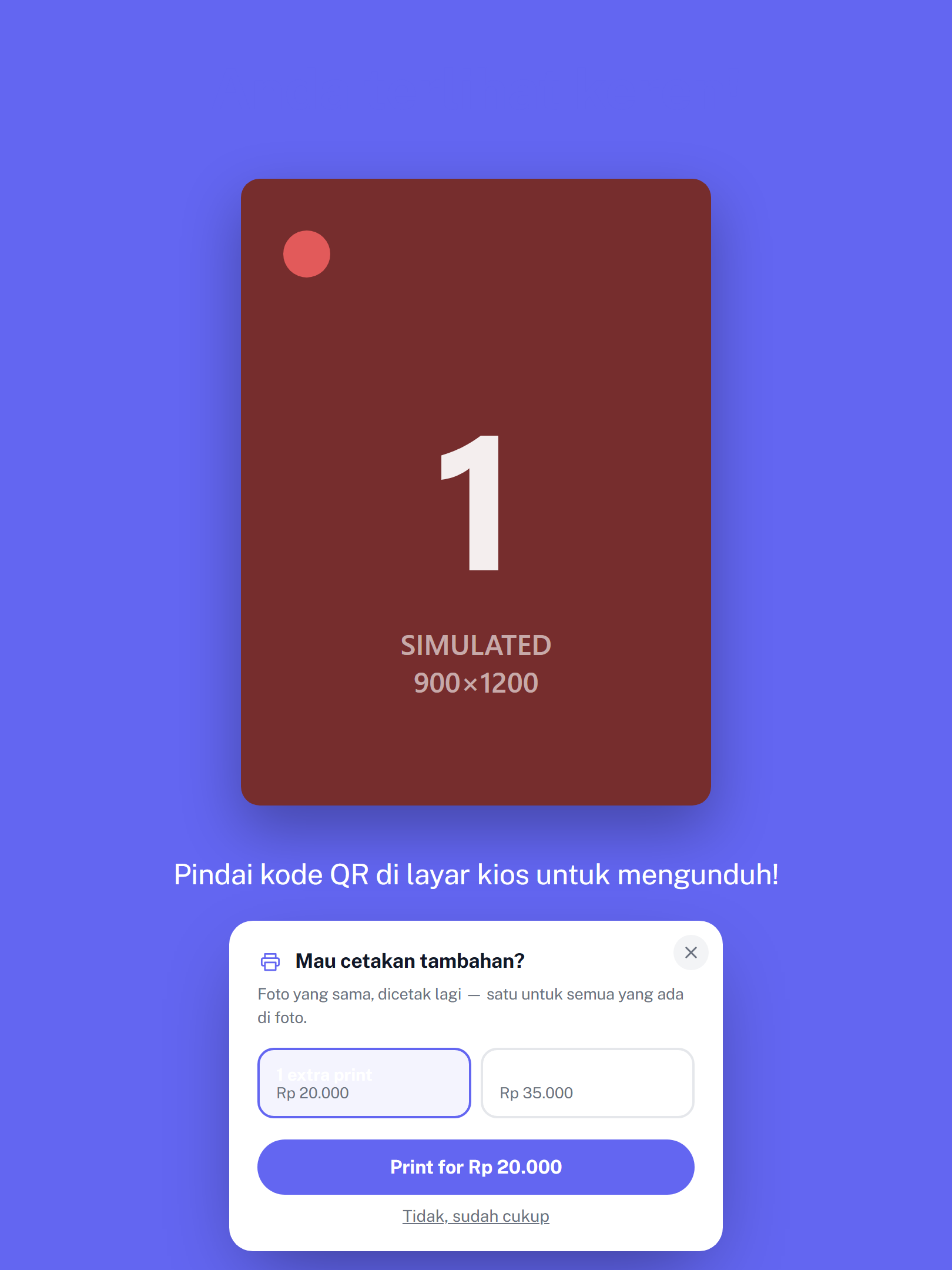
Print, and again
The print comes out; the QR goes home with them; a reprint is one tap.
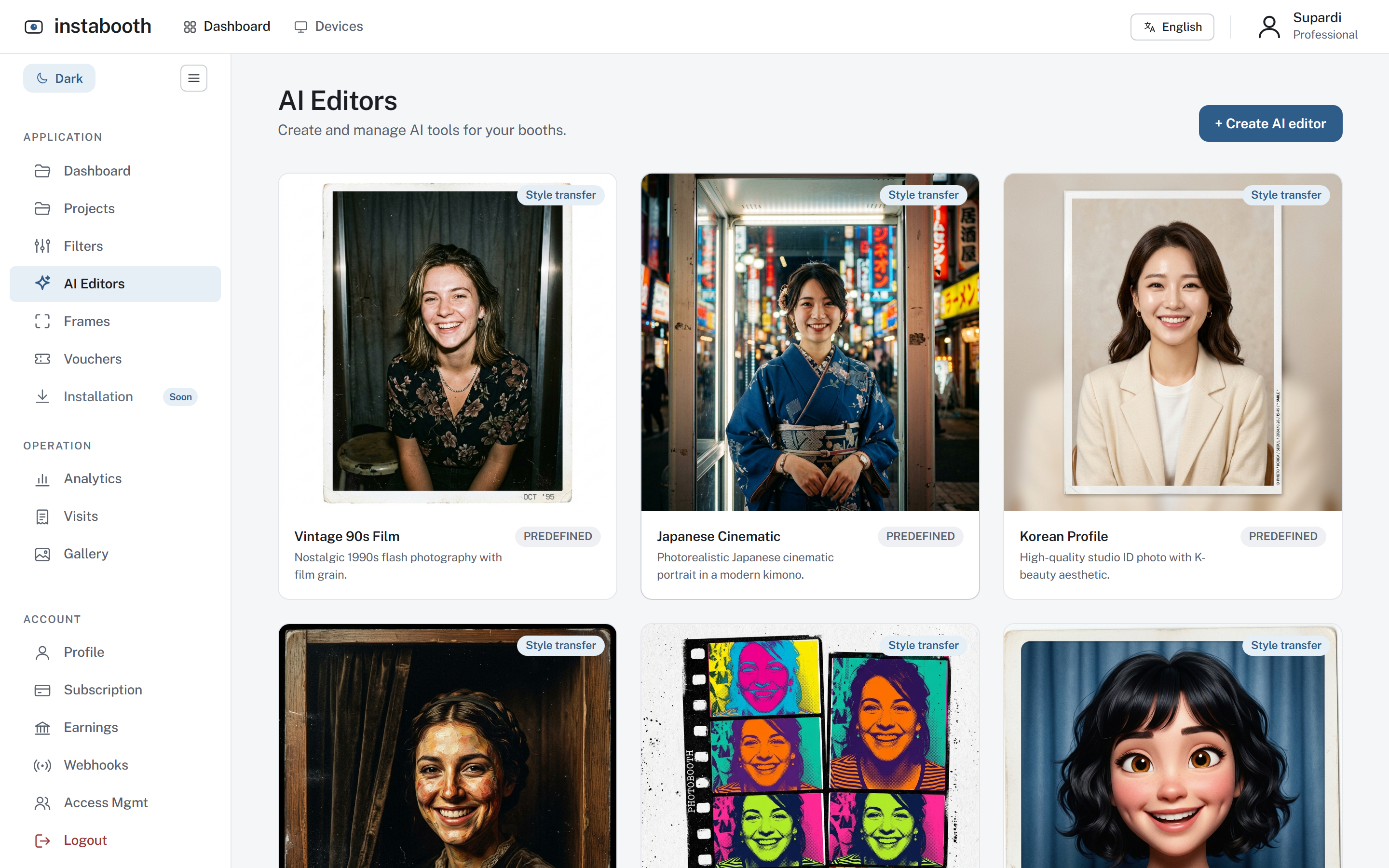
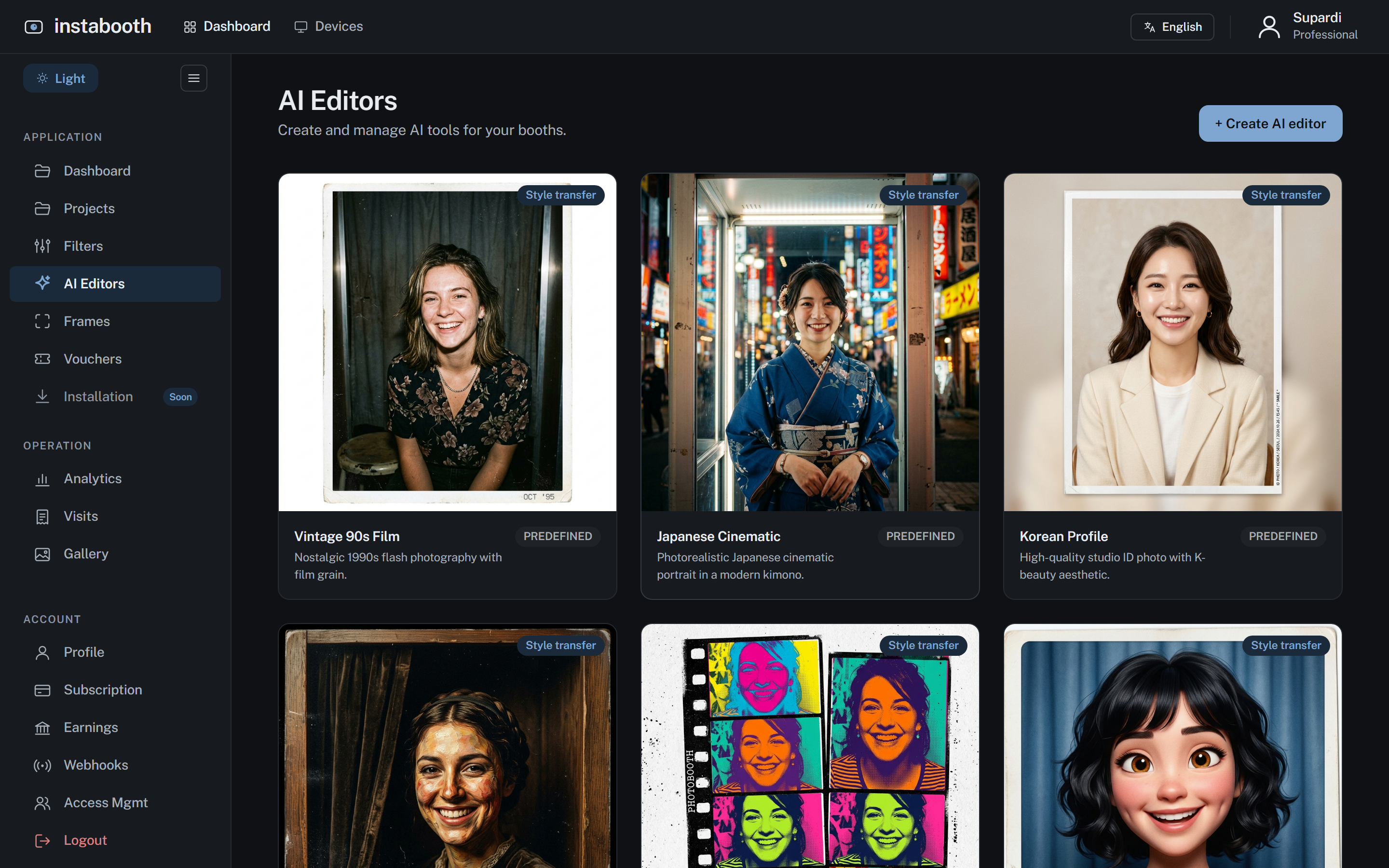
A style a guest can pick, printed a minute later
Vintage film, a cinematic portrait, an illustrated version of themselves. AI editors are styles you switch on per project; a guest chooses one after the shot, the booth sends the photo to the model, and the result comes back into the strip like any other photo: printed, on their QR, in the gallery.
Styles you curate
Six to start, each a prompt and a reference you can edit. Write your own for an event: the couple’s wedding in watercolour, the company in a 1970s film still.
Your provider, your key
Google Gemini or fal.ai, with the key you hold, so the cost is the provider’s price and nothing on top. Switch provider without touching a booth.
Part of the visit, not a side show
The AI result is a photo in the strip: it prints, it is on the guest’s QR, it is in the activity trail. A guest can also skip it and keep the original.
AI mode, or a switch at the start
Run a booth as AI-first, or let the guest choose between a classic visit and an AI one on the welcome screen.
Why operators pick Instabooth
We looked at what the alternatives sell. These are the things we do that they do not say, or do differently.
Priced per account, not per device
Professional is Rp 500.000 a month for five booths and five projects. Dreambooth charges Rp 450.000 to Rp 1.500.000 per device per month.
Every visit has a trail
What the guest chose, what they paid, what came out, what went wrong, with the gateway’s own words behind a disclosure. Support without a screen share.
Money you can audit
A ledger, not a balance: every settlement, every cash sale, the fee stated on each line, a negative balance shown rather than hidden.
Payment that verifies
QRIS through Midtrans or iPaymu, checked against the gateway before a print is released. Cash and vouchers are named routes, not a checkbox on the way past.
Prints that fit the paper
A 600×1800 frame is a 2×6 strip, a 1200×1800 one is a 4R, at 300 dpi. The booth prints silently and never trusts the Windows default printer.
A fleet you can see
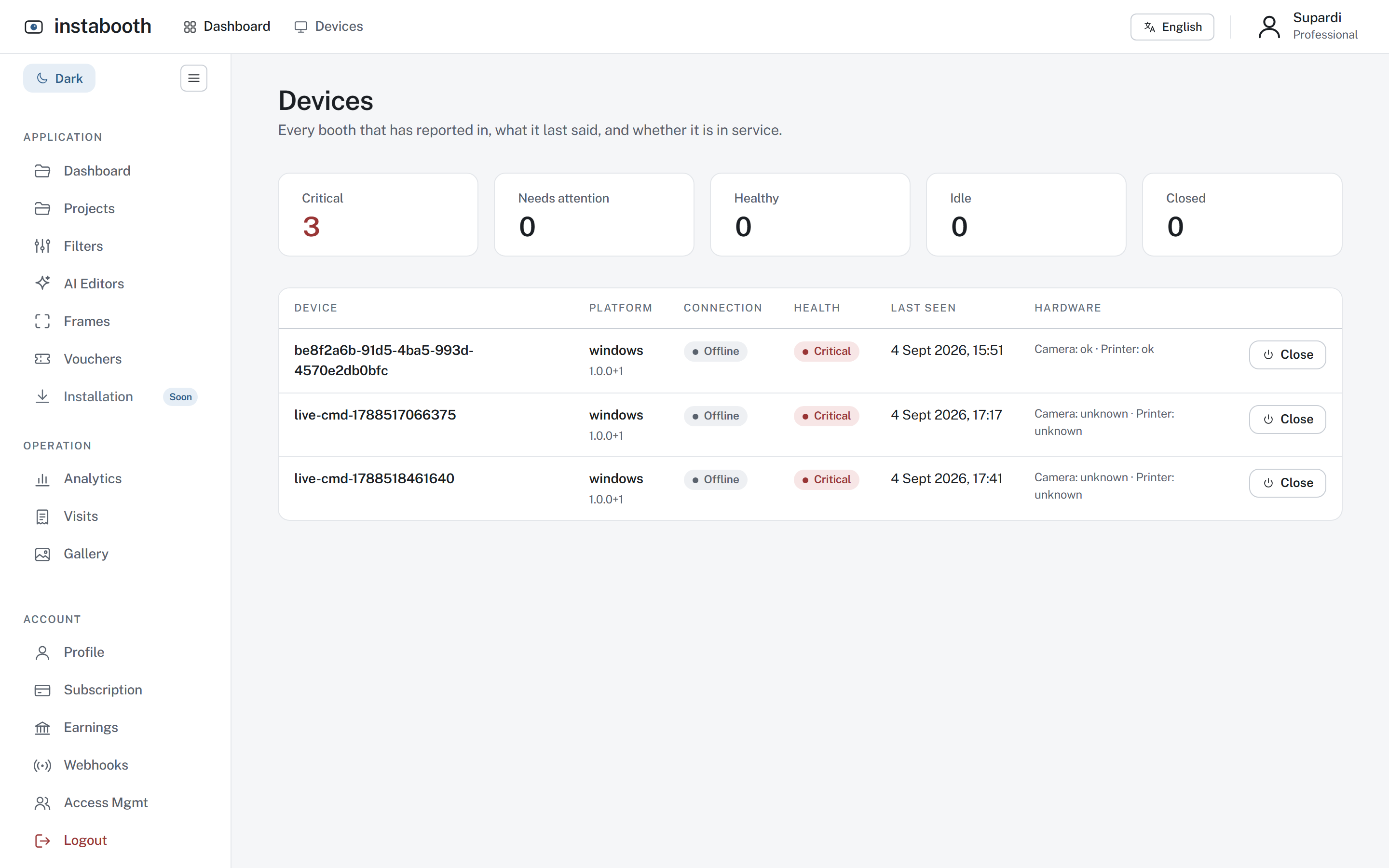
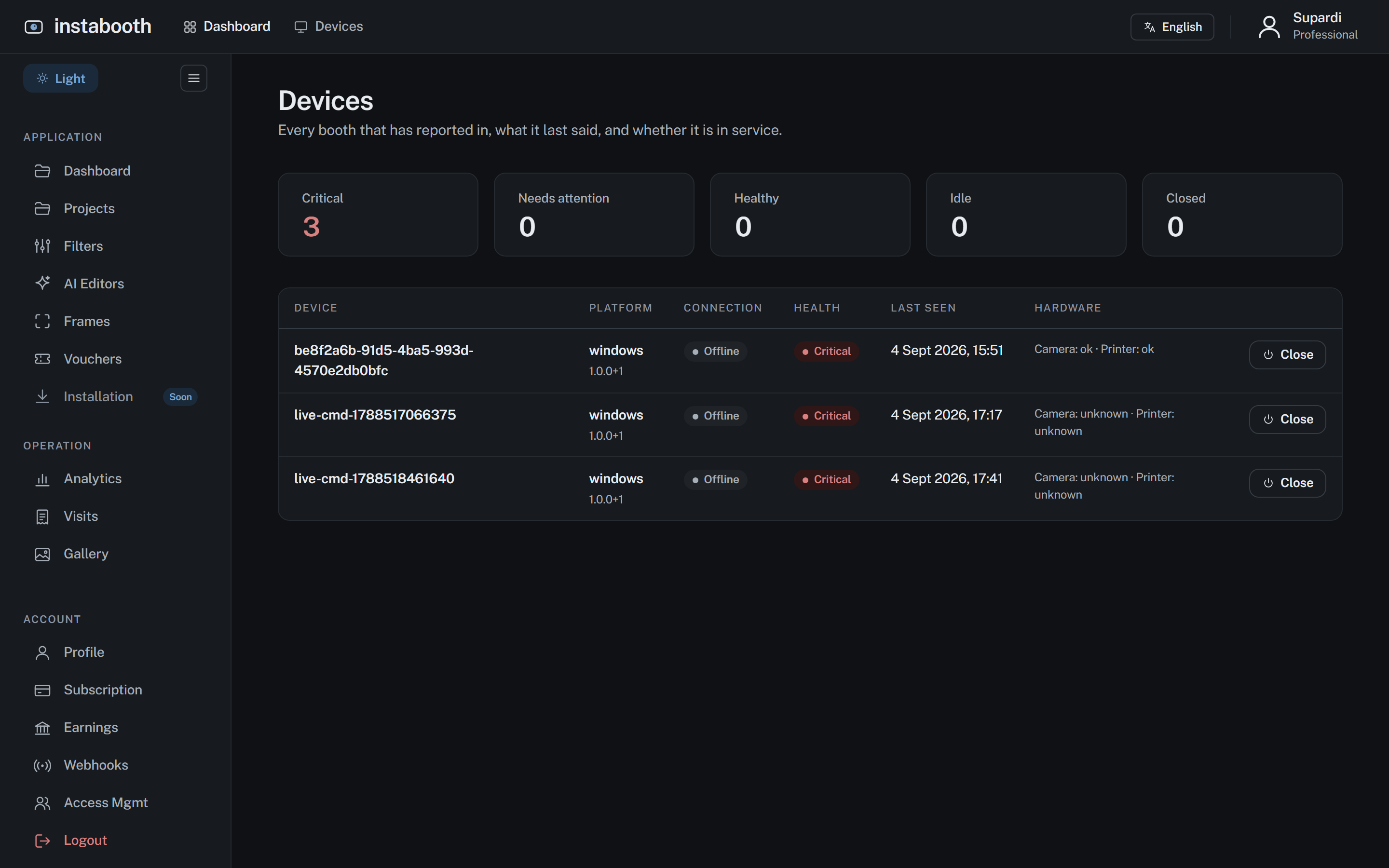
Every booth’s liveness, camera, printer and paper left on one board, with closed booths kept apart from dead ones.
Two languages, one wording
English and Indonesian on both booths and the studio, with a guard that fails the build if the two booths ever say different things.
Your booth, in your colours
Five designed themes with drawn textures, or your own palette and welcome screen, previewed on the real booth while you edit.
Nothing generic
Our own icon set, our own type, our own textures and sounds. No stock, no templates, and it says so.
Works with what you have
No proprietary box. A Windows PC or a tablet, a camera of any kind, and the dye-sub printer you already own.
Any camera
A DSLR through a capture card or clean HDMI, a webcam, or a virtual camera while you set up.
Dye-sub printers
Silent printing at true paper geometry, copies as pages, and a jam that never fails the visit.
Windows or a browser
The Windows app for a fixed booth with kiosk lockdown and an offline queue; the web booth for a tablet or laptop.
A phone to take it home
Every visit ends with a QR to the photos, the GIF and the video, and an event gallery if you switch it on.
Three steps, then the room does the rest
Make a project in the studio
Name the event, pick frames and filters, set your prices and colours. The preview is the real booth, so what you see is what a guest sees.
Pair a booth
Open the booth app on a Windows PC, or the web booth on a tablet. Enter the code the screen shows. It is now that project’s booth.
Guests tap, pay, pose, print
Every visit lands in the studio as it happens: what they chose, what they paid, what came out, and what went wrong if anything did.
What is in the studio
Frames
A layer editor for strips, singles and grids, with the print size decided by the frame.
Grades
Colour grades the booth applies live and bakes into the print. Six to start; draw your own.
AI editors
Optional styles a guest can pick, run through the provider you choose, with your key.
Visits
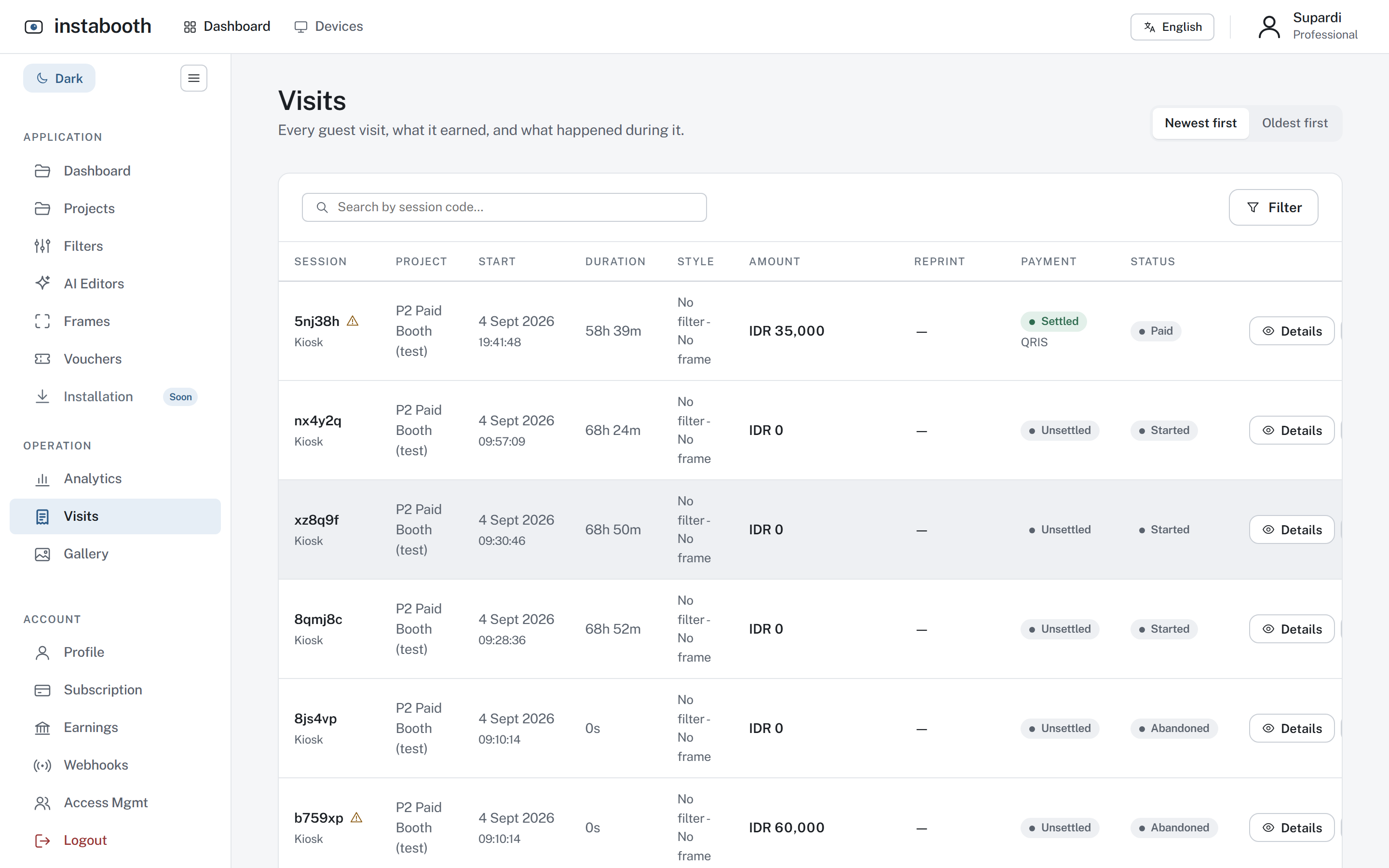
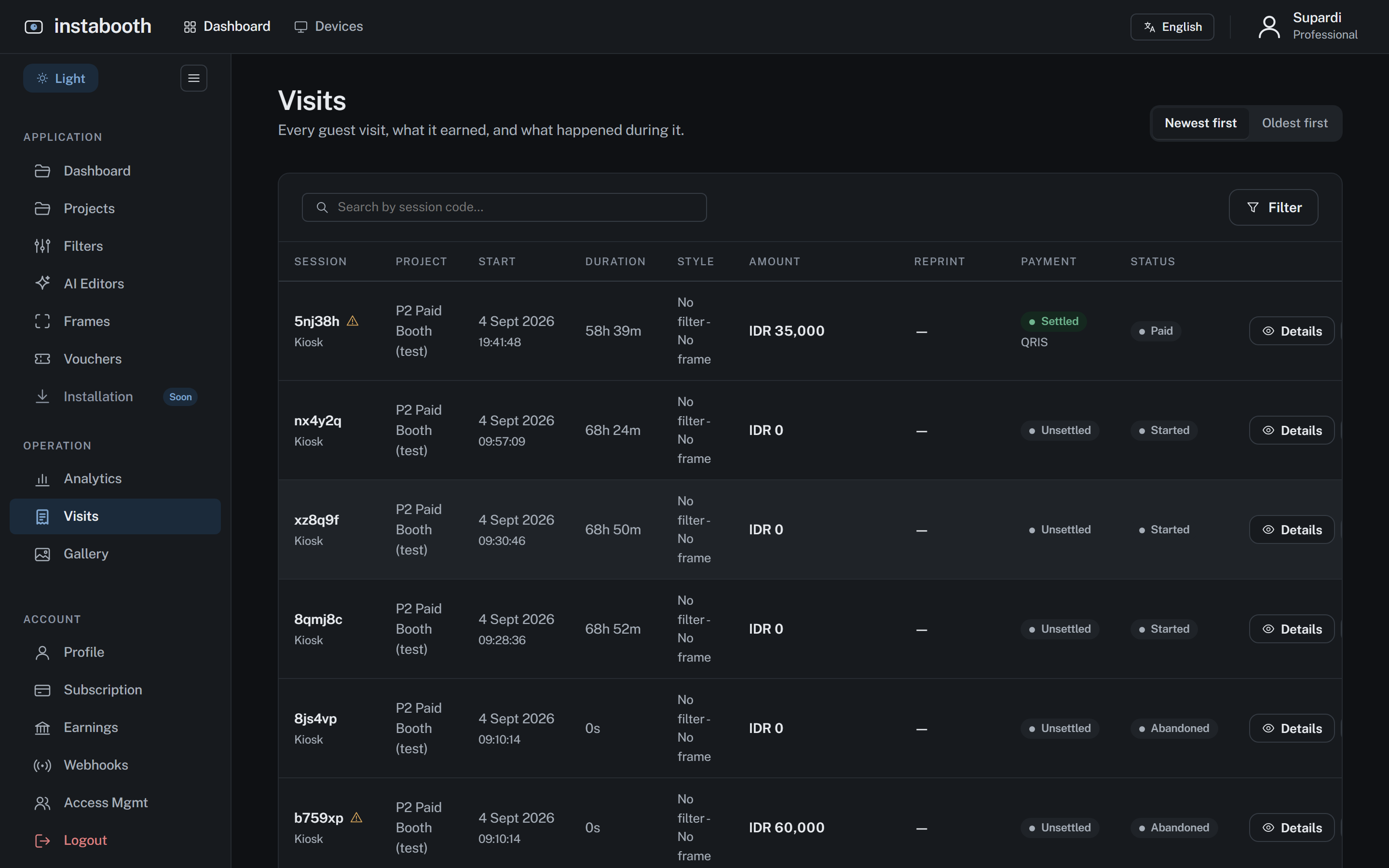
Every guest visit with its activity trail: the filter, the frame, the payment and every step between.
The fleet
Every booth, online or not, camera and printer and paper left, on one board.
Earnings
What was collected for you, what you took in cash, the fee, and what you are owed. Never clamped.
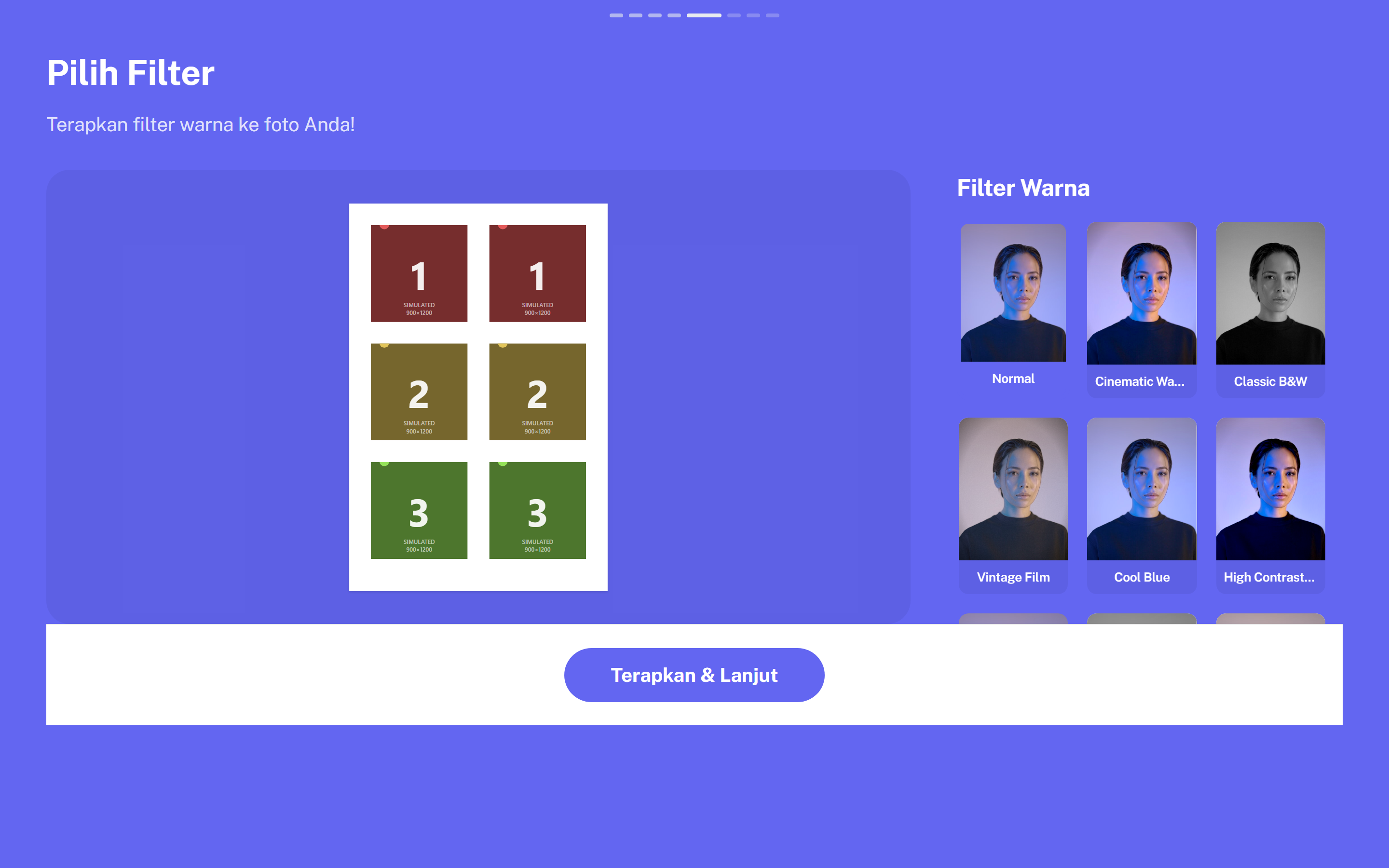
Five designed themes, or your own colours
Each theme is a palette, a welcome screen and a texture drawn for it. Start from one and change anything; the booth takes your colours everywhere a guest looks.
Launching soon
Instabooth is in its final stretch before launch. Operators who want a booth before everyone else can ask for early access.
Request early access